
Signature Projects: The Evidence
This page isolates specific friction points we’ve solved for gaming clients. We do not claim "success"; we document constraints and how we navigated them. Every case study below is anchored by a specific hardware limitation or user-experience pitfall. If a solution cannot be mapped to a measured constraint, it isn't here.
How Robustness is Evaluated
- • Constraints: We simulate low-end hardware (4GB RAM, older GPUs) and network instability (high latency/packet loss).
- • Trade-offs: Feature richness is weighed against battery impact. We publish the cost.
- • Outcome: Stability over vanity. We prioritize 60fps fluidity over particle density.
The Neon Arcade:
Tactile Translation
The core challenge was sensory: how do you replicate the clack of a joystick in a glass screen? We rejected standard haptics as too "muddy." Instead, we built a custom engine that maps audio transients to high-frequency vibration patterns, creating a "phantom touch."
Constraint: It had to run on a budget Android device without overheating. We optimized the particle system to react only to specific frequency bands, saving CPU cycles.
Project Atlas: The 7-Point Audit
Scannable checklist of strategic decisions. No fluff, just mechanics.
Replaced 5-tier menus with a single, context-aware hub. Context > Navigation.
Micro-animations for status changes (no constant screen scanning).
90s setup via progressive disclosure (was 12 mins).
Achieved compliance without sacrificing the "gaming" aesthetic. High contrast overlays.
Launch < 1.5s on 4-year-old hardware.
+22% 30-day retention (A/B tested notification strategies).
Architecture handles 10x user influx without code changes. Prepared for viral spikes.
The 'Echo' Engine: Under the Hood
Motion Sickness: Early prototypes caused nausea in 15% of beta testers. The culprit was coupling visual motion amplitude directly to audio amplitude.
Solution: We decoupled them, using audio to trigger visual "events" rather than raw displacement.
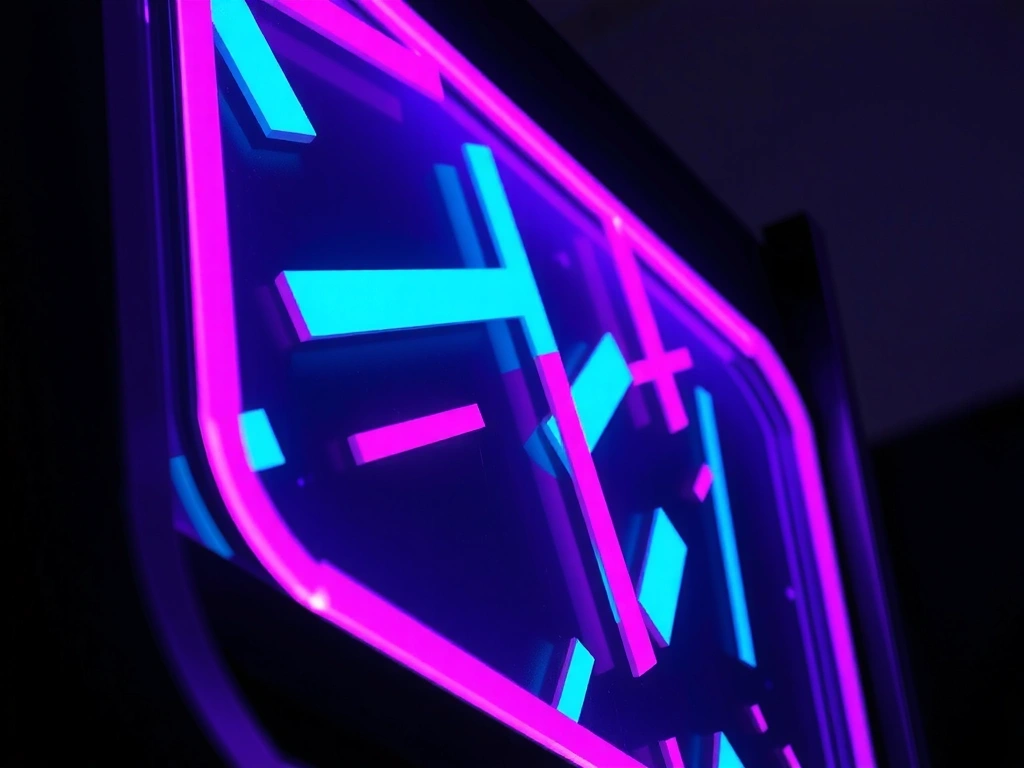
The "Bloom" effect seen in the screenshot (right) is not a post-processing filter. It is a real-time shader reacting to the bass line. For a user in a quiet library, we enabled a Subtle Mode toggle, reducing intensity by 70%.

From Brief to Launch
The linear path. No deviations, no surprises.
Immersion
We play the competitors. We map the frustration.
Prototyping
"Frankenstein" builds. Ugly code, valid mechanics.
Polishing
Editorial layer: Typography, motion, micro-interactions.
Handoff
App + Style Guide + Reusable Motion Assets.
Key Takeaway
Speed is a feature, but rhythm is the experience. We prioritize frame consistency over raw frame rate. A stable 45fps often feels better to the user than a jumping 60fps. This is our guiding metric for "fun."
Ready to map your constraints?
We don't do generic pitches. Send us your current build or concept, and we'll identify the three hardest technical constraints immediately.